✦ Product spotlight
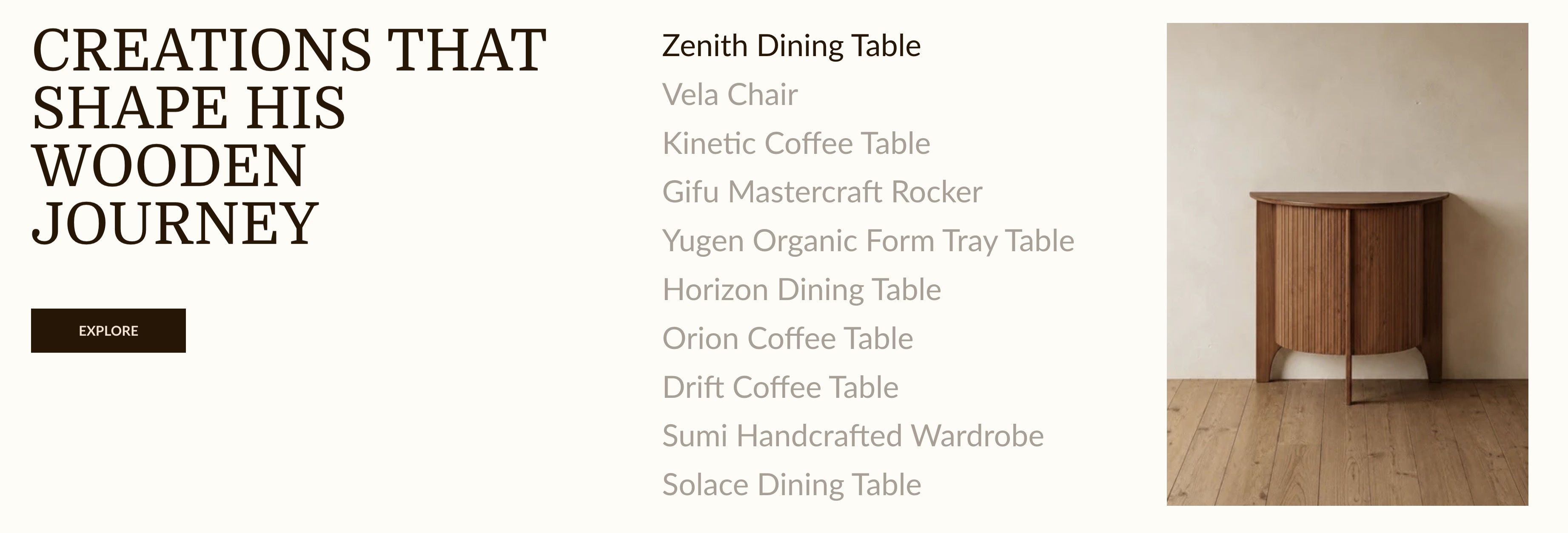
Display products in a list format, with each product title integrated with a built-in feature that triggers the change of the product showcase image right next to it.
info
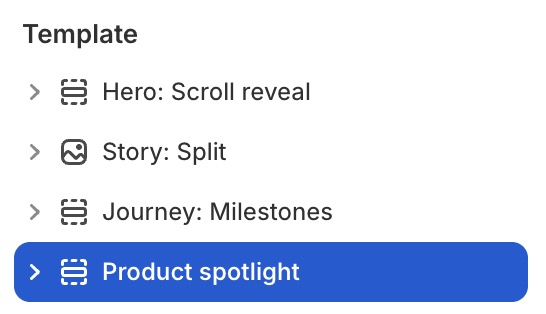
- In the theme editor (Customize), click Add section.
- Locate Product spotlight.
- Make necessary changes. > Save
Select a setting described in the following table
| Setting name | Description |
|---|---|
| Collection | Select collection. |
| Products | Select products. |
| Number of products to show | Limit the number of products to show: from 1 to 20. |
| Section settings | Includes common section settings: General, Appearance, Padding. View Section settings |